01
Click the "Record" button to record audio.
02
Speak into your device's microphone and make sure the animation shows that audio is being recorded.
03
Click "Pause" whenever you wish to stop the audio.
04
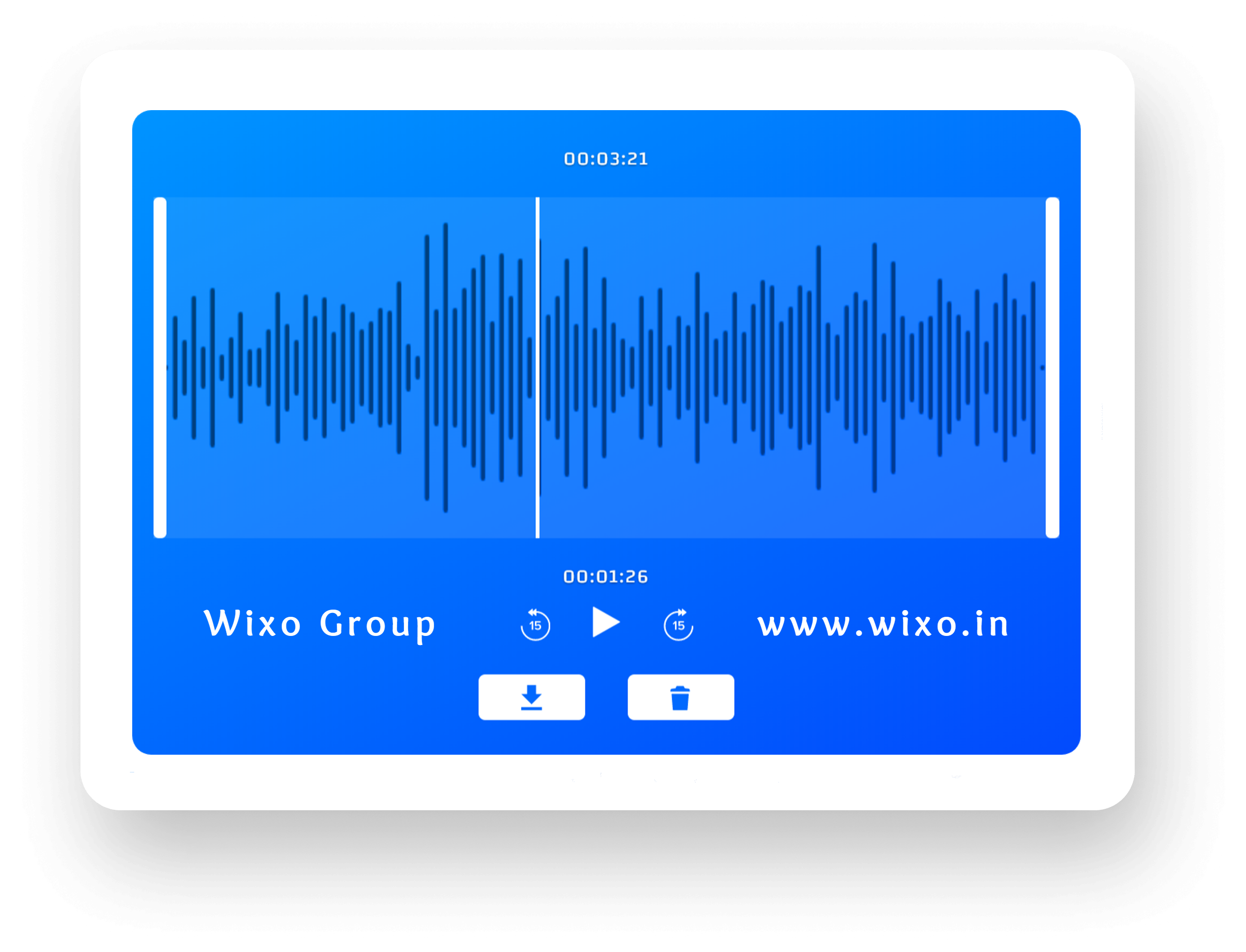
Click "Preview" to play back your audio with a waveform, where you can listen to your entire recording. You can fast forward, rewind, trim your audio, and play your audio in this view.
05
Click the "Download" icon to download the recording as an MP3. Click the trashcan icon if you'd like to delete your recording and start over.